
Inviting Team Members #
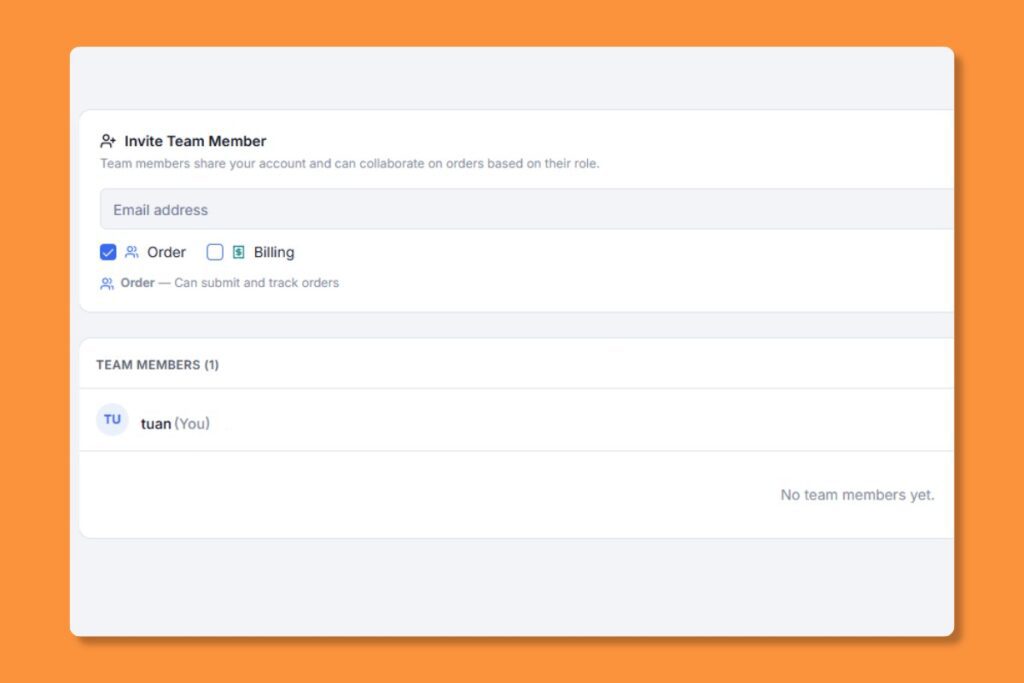
Account owners can invite colleagues to collaborate on the same account.
- Go to Settings > Team
- Click “”Invite Member””
- Enter their email address
- They’ll receive an invitation email with a link to join your account
Team Member Access #
Team members can:
- Place and track orders
- View and pay invoices
- Download completed deliveries
- Communicate via order messaging
- Use the shared account balance
Managing Members #
Account owners can deactivate team members at any time from the Team settings. Deactivated members lose access but their order history is preserved.


