Start from a corner
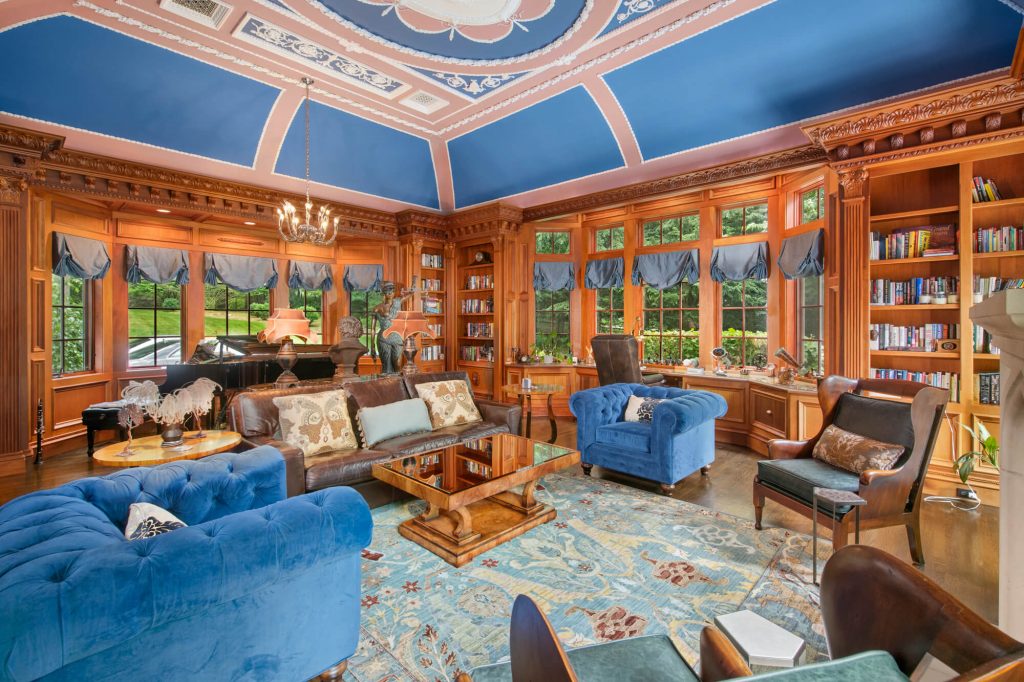
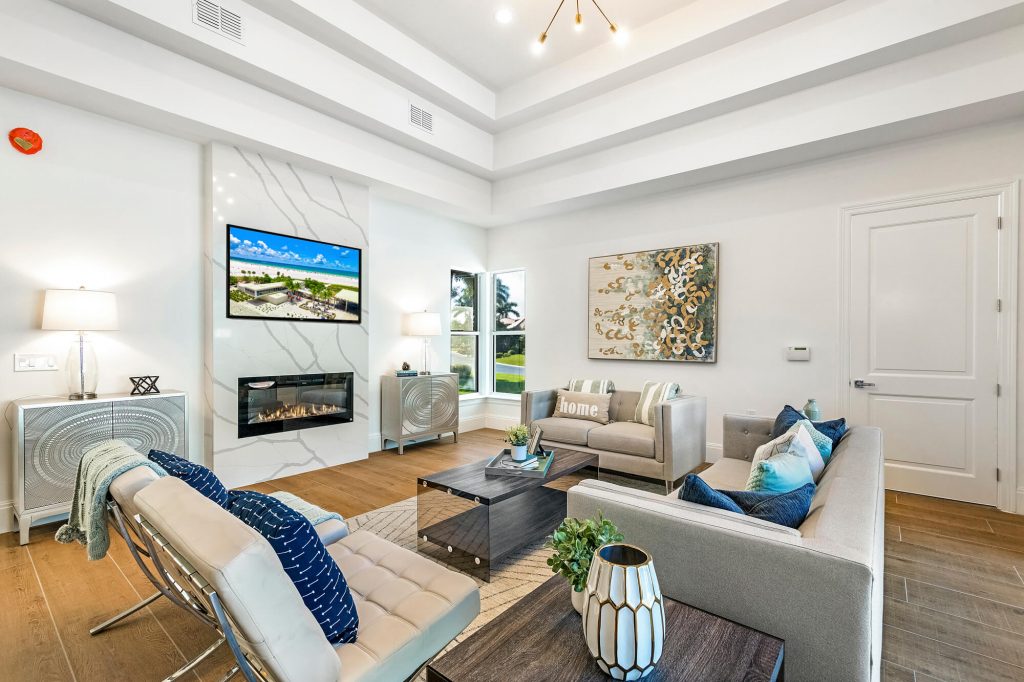
Shoot from the corner diagonally opposite the room's main feature, such as the fireplace, the windows or the view. A two-point view shows two walls, the floor space and the feature in one frame. In long rooms, shoot along the long side for a sense of depth.
Set up the furniture
- Straighten sofas, cushions and rugs; small misalignments look messy in a wide photo.
- Pull furniture slightly away from walls if the room feels cramped.
- Remove remotes, blankets, cables and personal photos.
- Turn TV screens off, or ask for a screen replacement in editing.
Windows and light
Open all blinds and curtains and turn on the lamps. Living rooms usually have the biggest windows in the house, so bracket generously or shoot a window pull, so the view outside stays visible.
Open-plan spaces
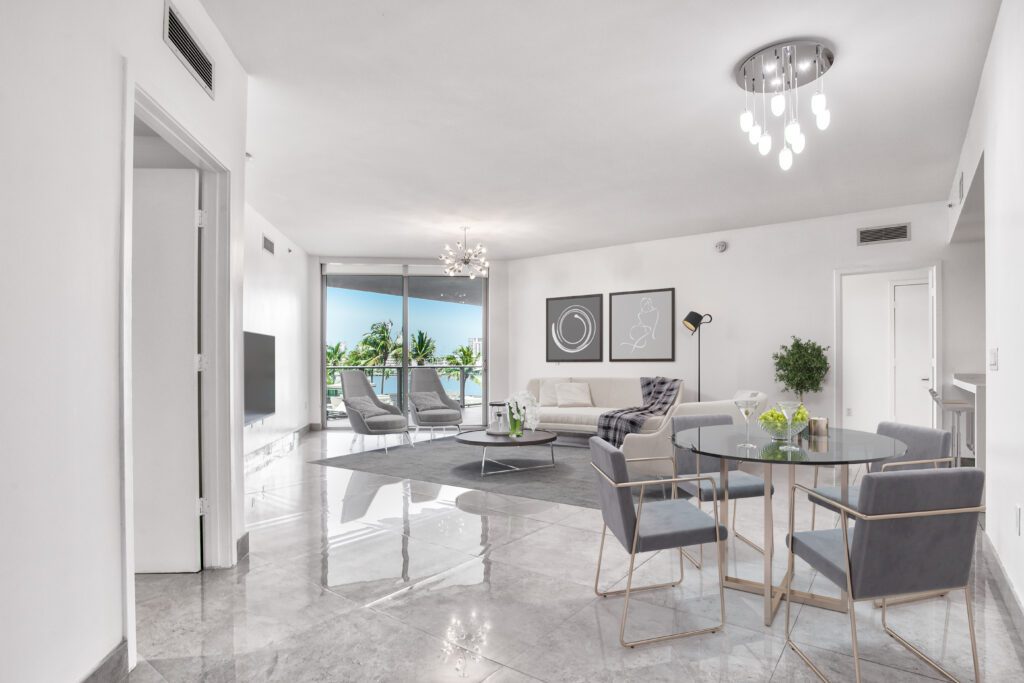
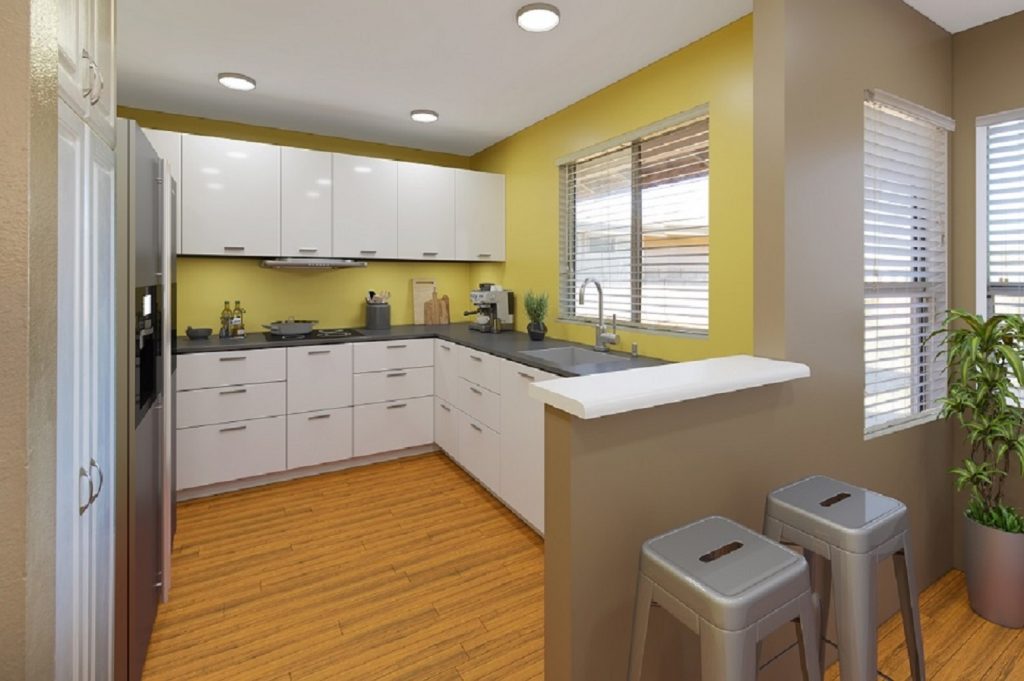
For open-plan homes, take one wide frame that shows how the living, dining and kitchen areas connect. Then take a tighter frame of the living area on its own. Buyers want to understand the flow, not just see a sofa.
Key takeaways
- Shoot from the corner opposite the main feature.
- Straighten furniture and remove small clutter.
- Open every blind, turn on lamps and bracket for the windows.
- Show how open-plan areas connect.
Common questions
Where should I stand to photograph a living room?
In the corner diagonally opposite the room's main feature, such as the fireplace or the windows. That view shows two walls, the floor space and the feature in one frame.
Should the TV be on or off?
Off, or replaced with an image in editing. A black screen is a large dark shape; a TV screen replacement makes the room feel lived in without distracting from it.
How do I show an open-plan space?
Take one wide frame that shows how the living, dining and kitchen areas connect, then a tighter frame of each area. Buyers want to understand the flow of the space.